
QUIKentry View
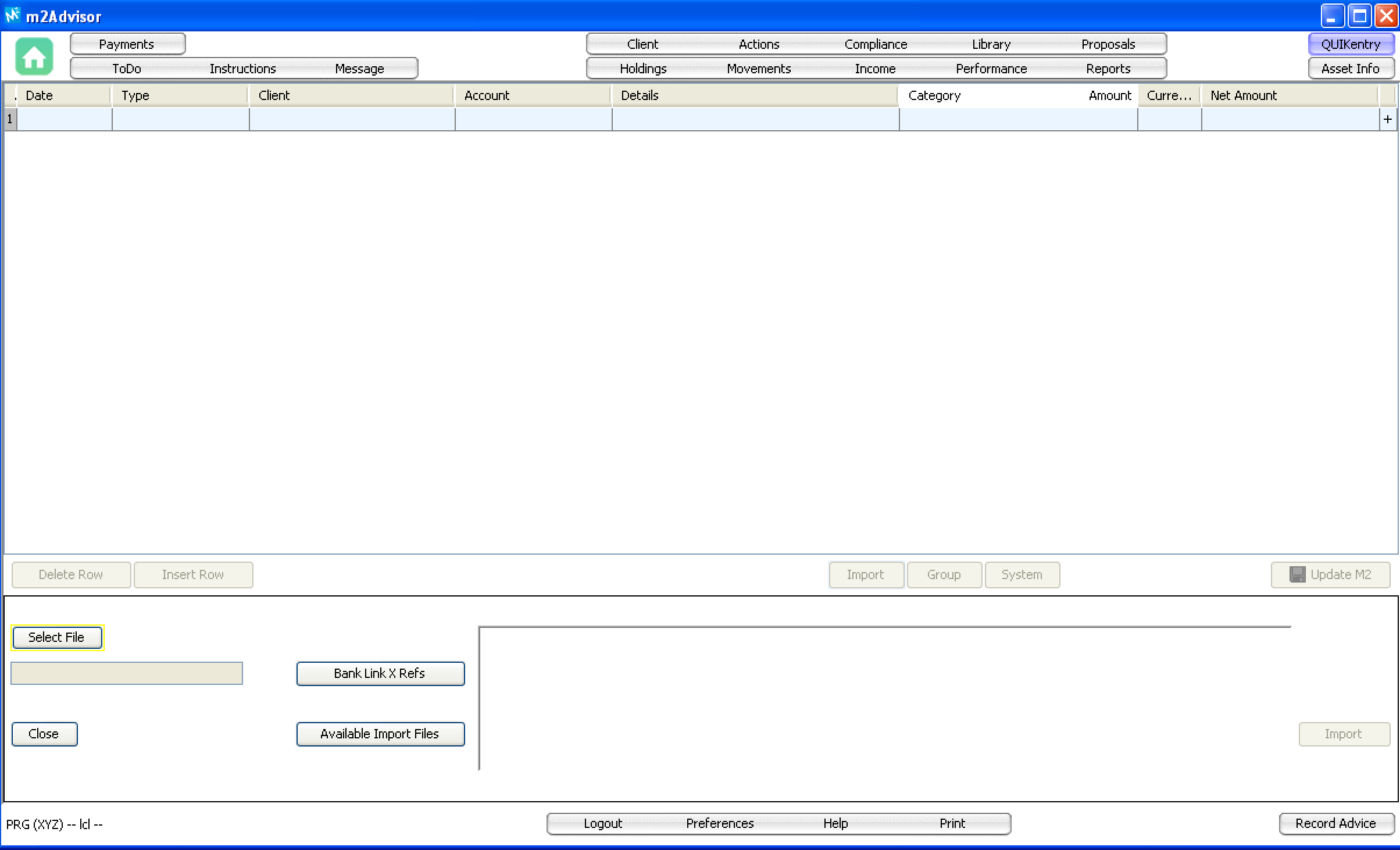
QUIKentry allows you to enter one or more Movements (e.g. buy, sell, deposit, withdrawal, etc.) to update a client's asset Holdings.
There are 2 ways to input Movements (a.k.a transactions):
1. Manually type in the transactions in the QUIKentry screen in m2Advisor
2. Upload an Excel or Text file of transactions using the Import button on the QUIKentry screen
Requirements:
The following are required before inputting transactions via QUIKentry:
- The bank or custodian Account must be linked to the Client in the Client screen
- The Asset must exist as a Public or Private Asset. (New Private Assets can be created during the manual input method)
Manual Input Method:
Input each transaction as a row on the QUIKentry screen. Click the + button to add additional rows. Rows can be deleted by selecting them and clicking the Delete Row button. Fields can be edited at any time while the rows are open on the screen. When ready to load the transactions, click the Upload M2 button.
File Upload Method:
Contact your M2 Wealth Account Manager for the file upload format.
Please see attached 'm2A Generic Import Format 2.0.2.pdf' for more information.
Comments
0 comments
Please sign in to leave a comment.